3D mockup editor · in your browser
Your designs,in motion.
Drop an image or a video, pick photoreal scenes, cut them into a film and export in 1080p. Free, nothing to install, no account.
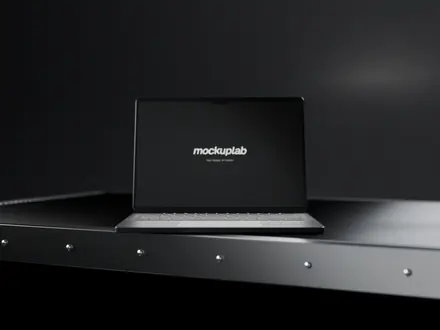
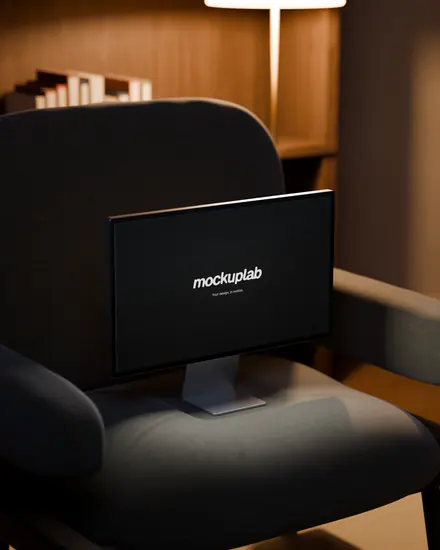
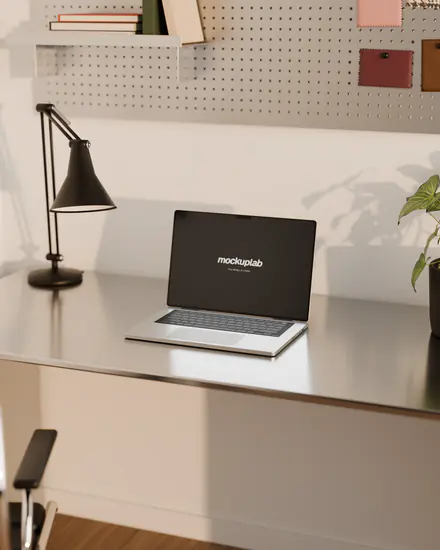
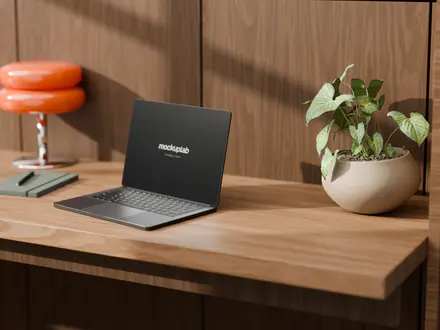
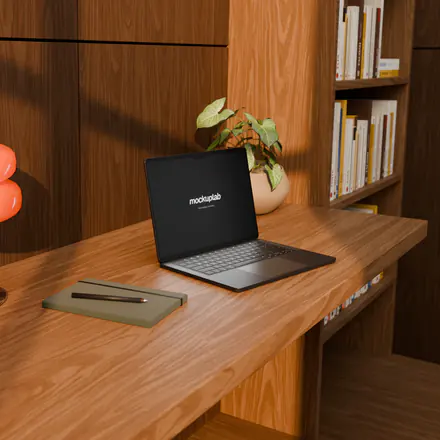
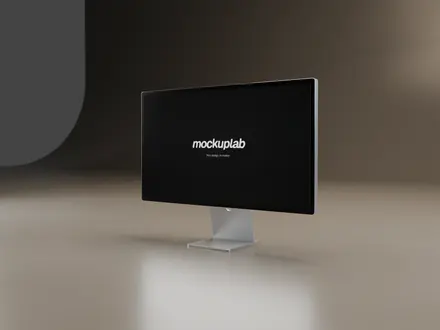
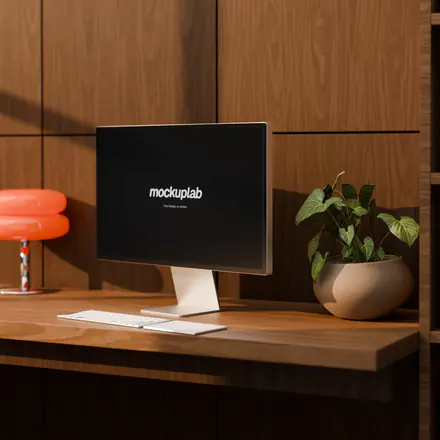
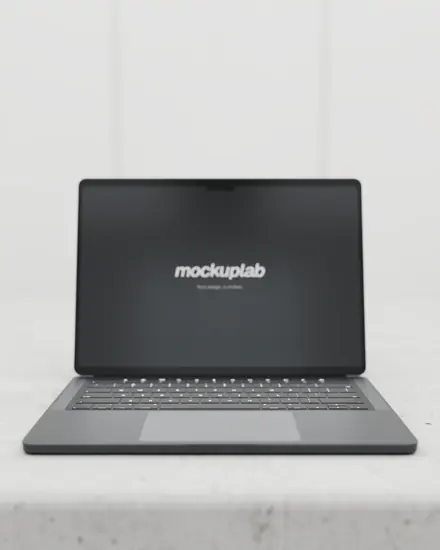
Where it starts
The staging of a 3D studio, without opening 3D software.
Showing a website or an app in motion usually takes 3D software, hours of rendering and a motion designer’s eye.
Mockuplab does the heavy lifting ahead of time: every set is modelled and lit in Blender, every camera move is already rendered. All that is left is to put your design on the screen and cut the shots.
- Devices
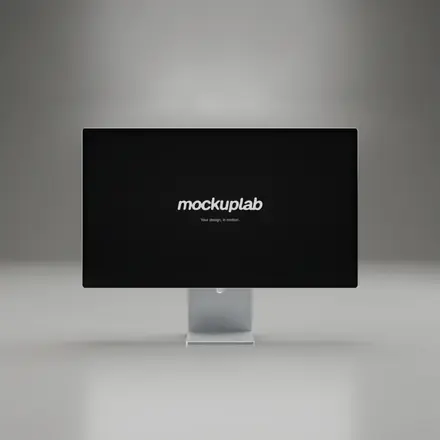
- Display, laptop, phone
- Lighting
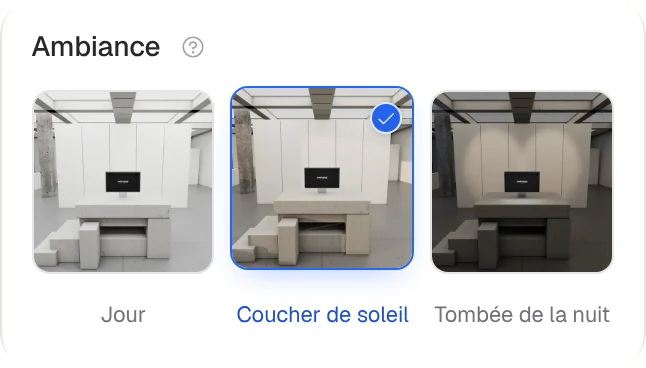
- Day, sunset, night
- Formats
- 16:9 · 9:16 · 1:1 · 4:5 · 4:3
- Export
- 720p or 1080p video, PNG stills
- Price
- Free
- Your files
- Stay on your device
The film
Mockuplab, in 46 seconds.
A bespoke motion design film built from the library’s real renders: scrolling grids, animated titles, camera moves.
How it works
From design to film, in four moves.
- 01
Drop a design
An image or a video, dragged onto the scene. A full-page capture scrolls by itself.
- 02
Pick scenes
Display, laptop or phone, as a still shot or a camera move, by day or by night.
- 03
Cut
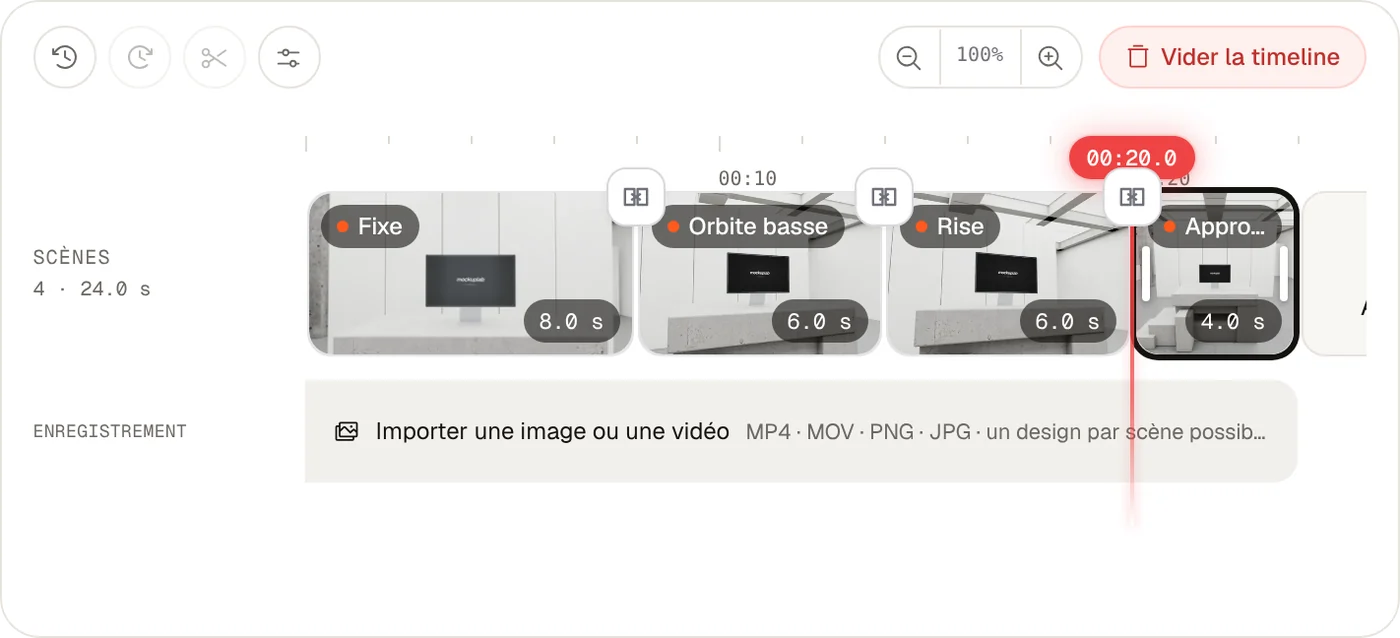
Trim every shot, add transitions, animated titles and an end card.
- 04
Export
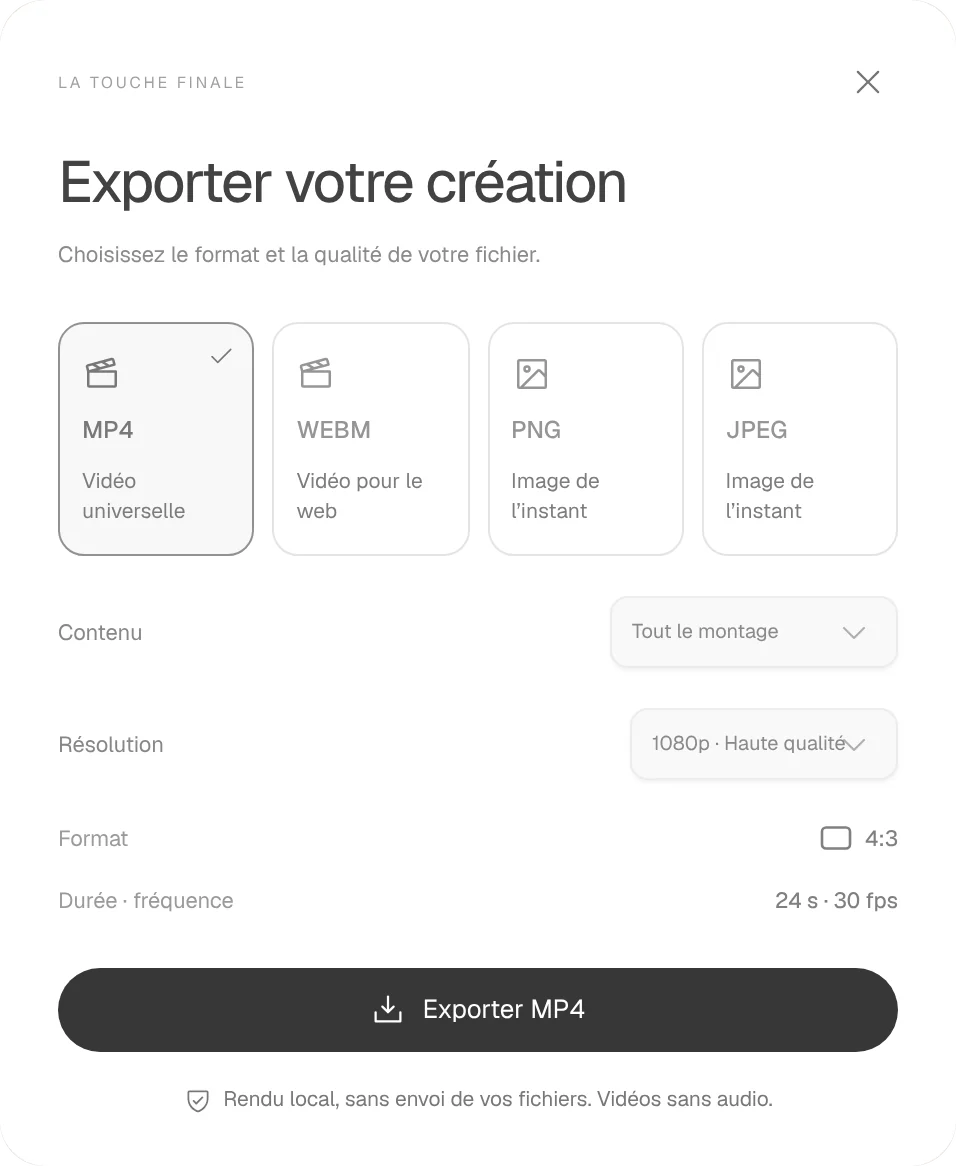
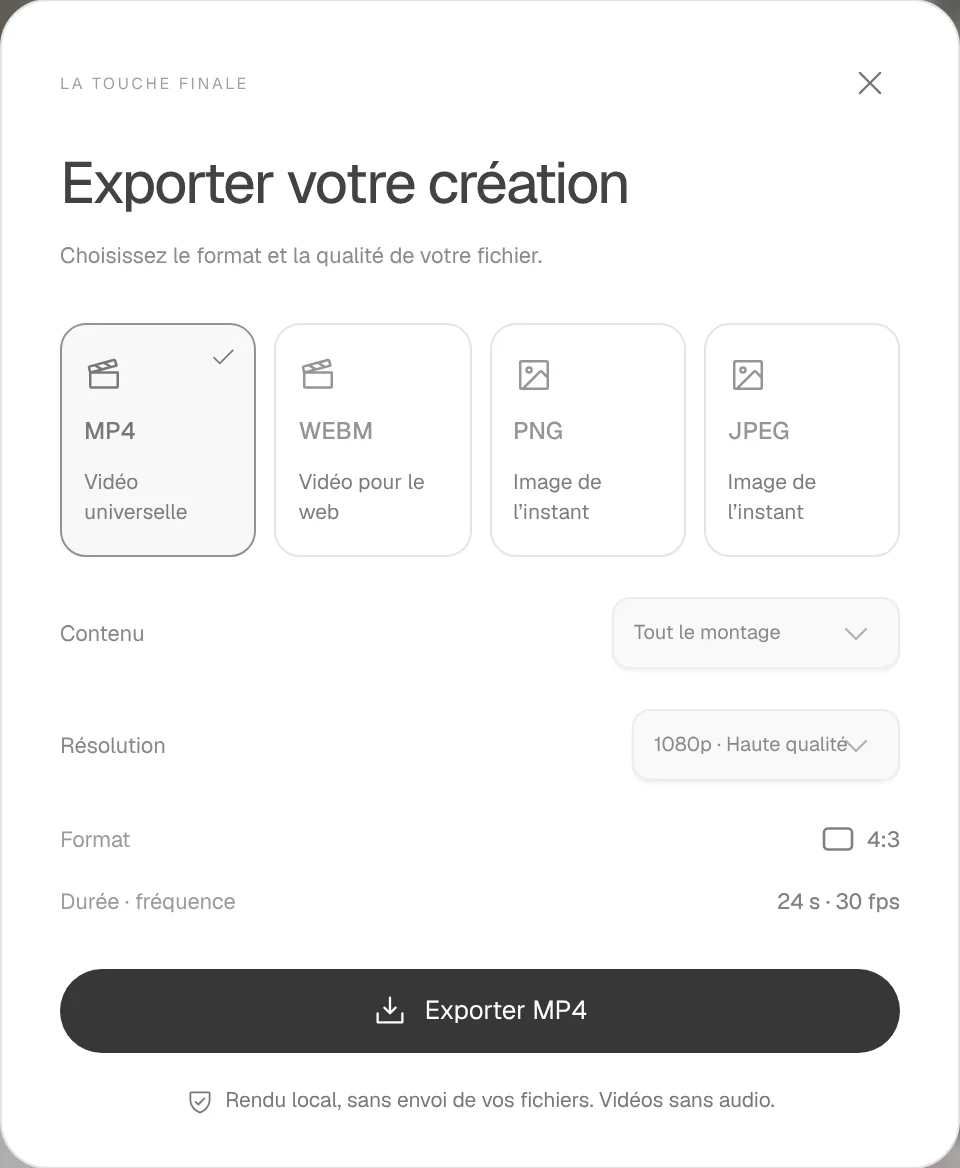
A 720p or 1080p video, in 16:9, vertical or square. Or a PNG still.
The editor
It all fits in one tab.
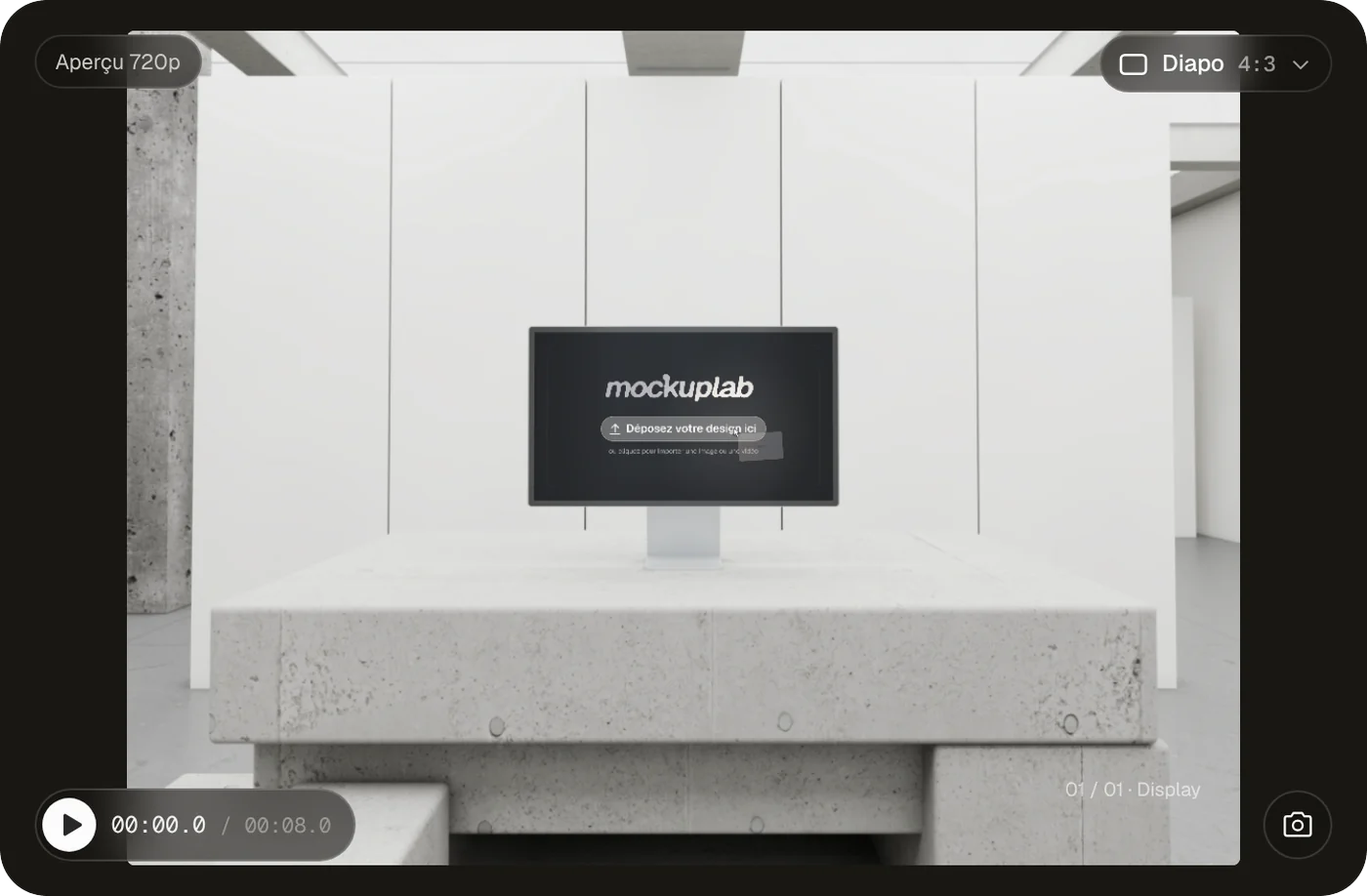
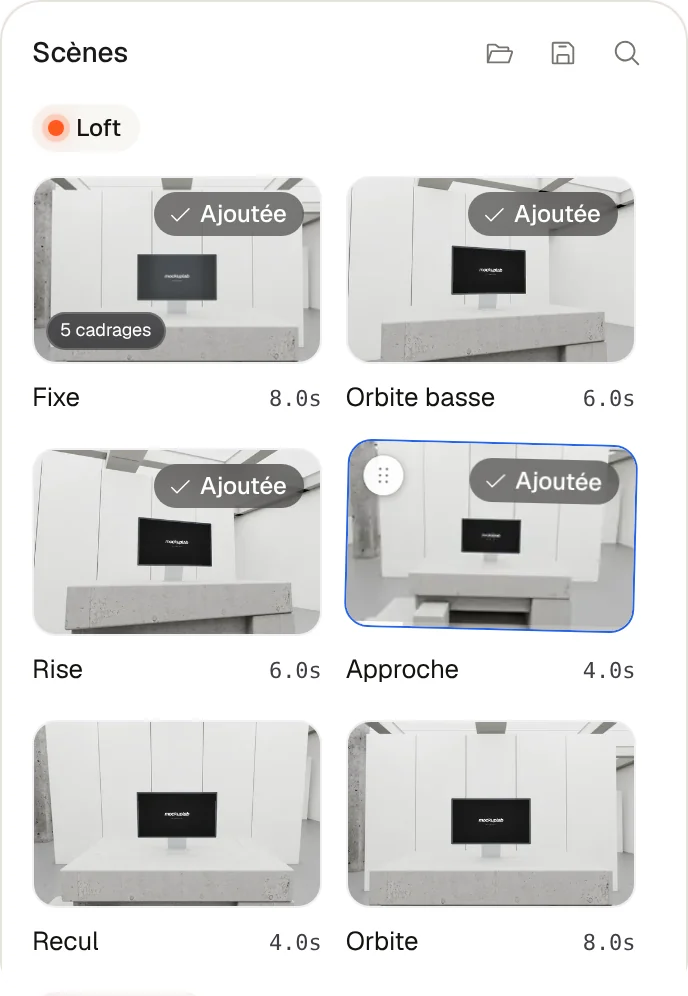
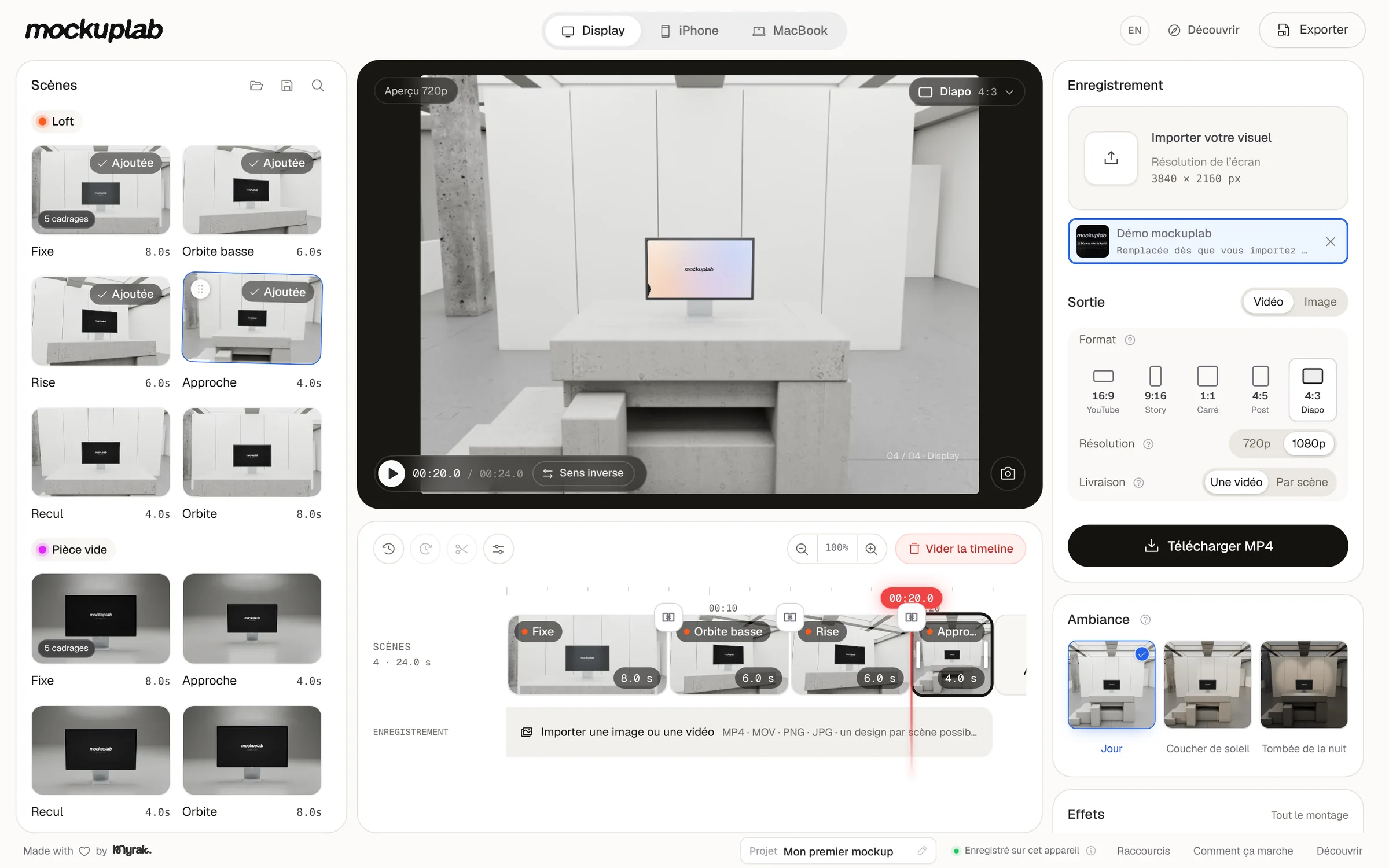
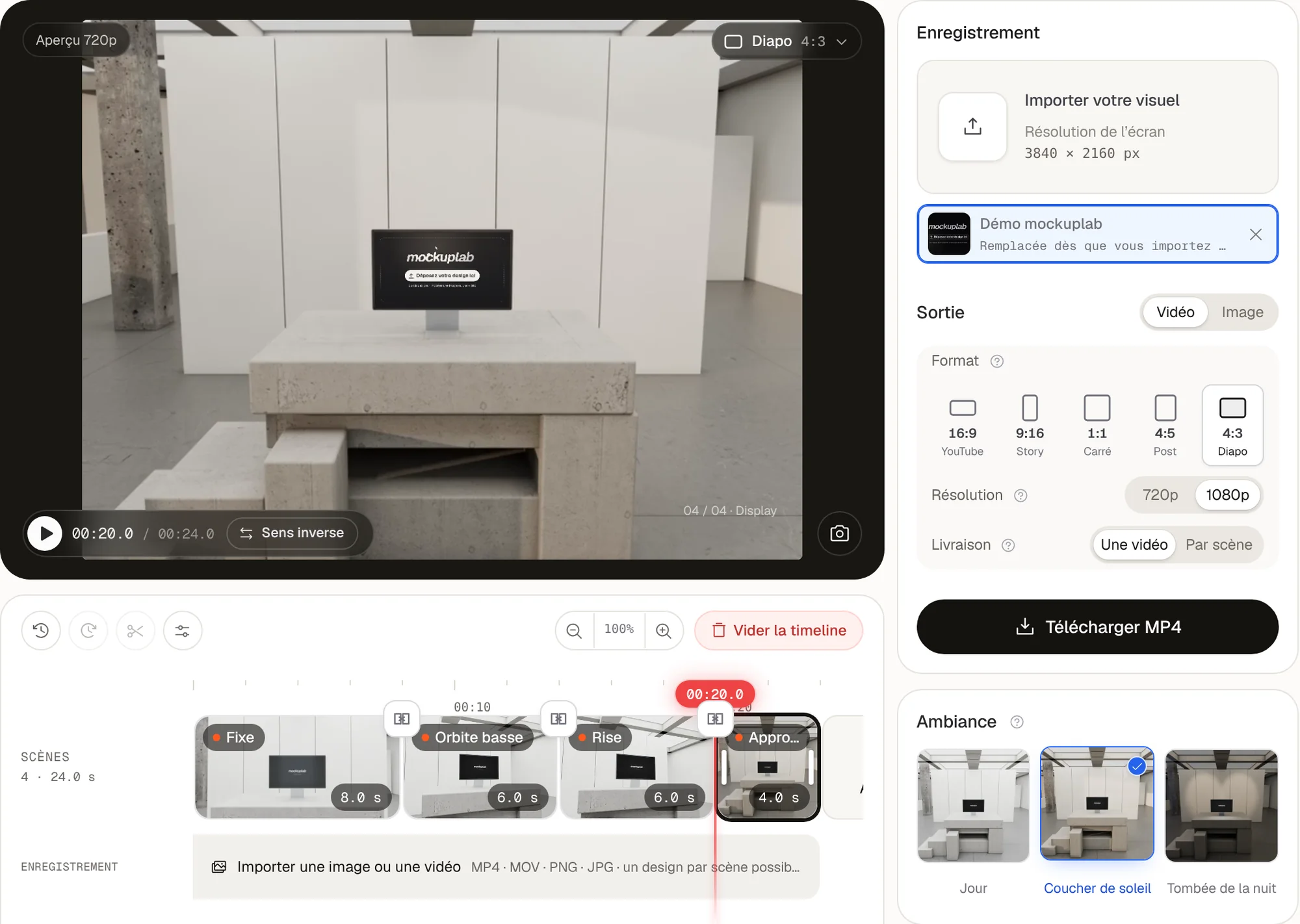
Scenes on the left, the preview in the middle, the output on the right, the timeline below. Nothing to learn before you start.
The library
Sets, not templates.
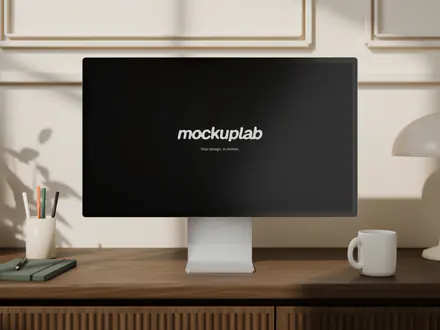
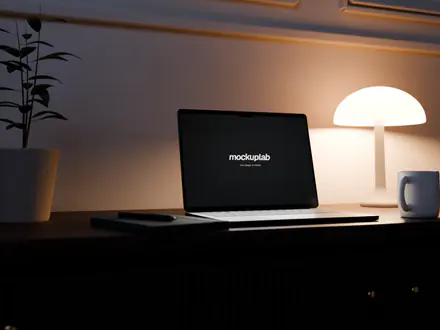
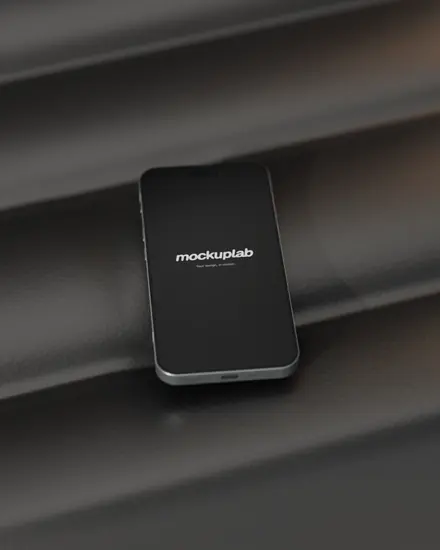
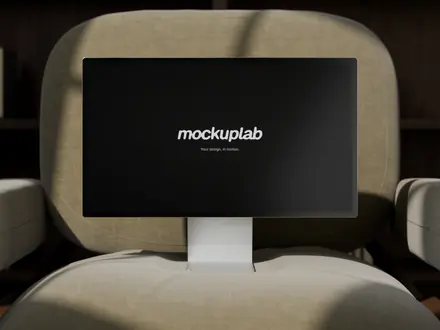
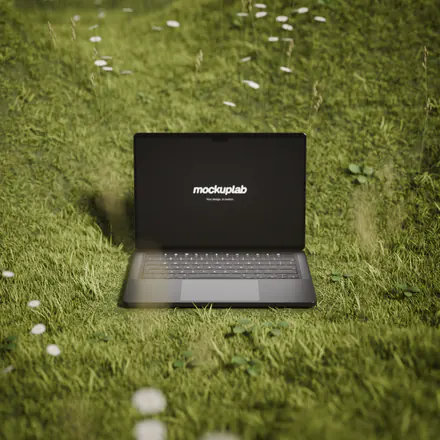
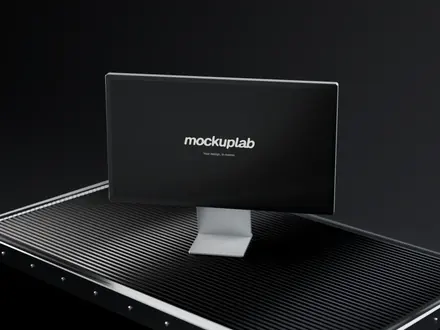
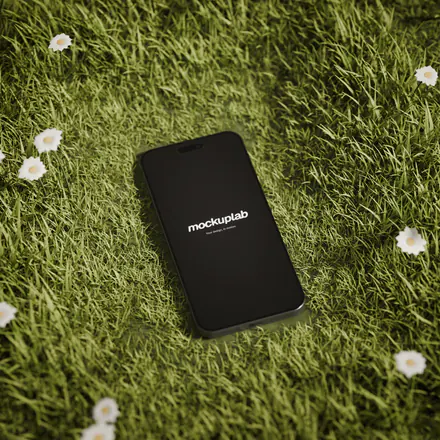
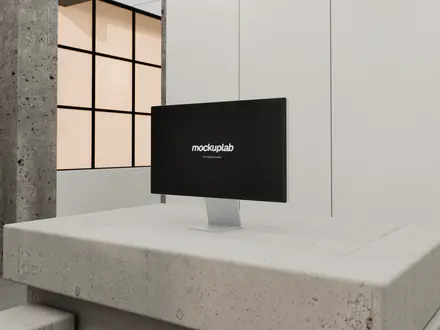
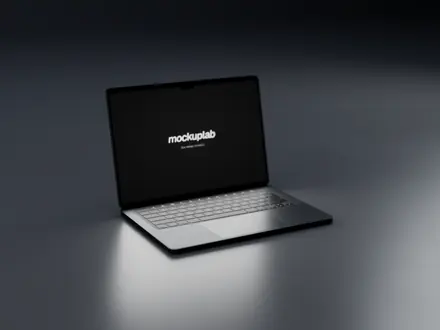
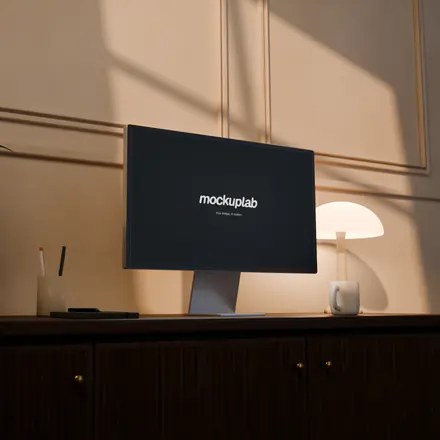
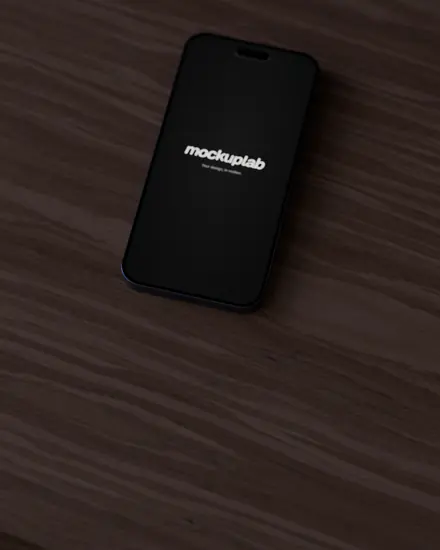
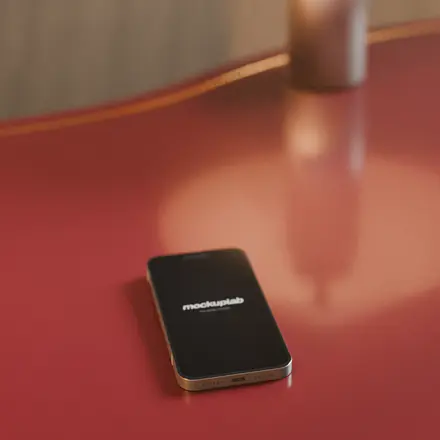
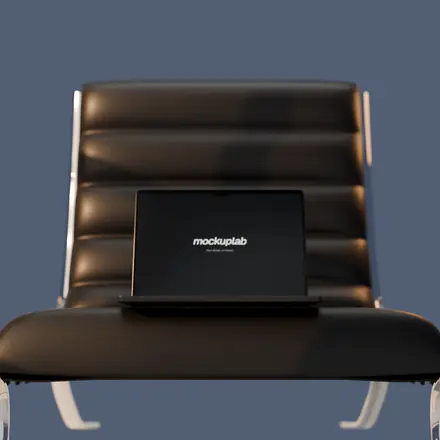
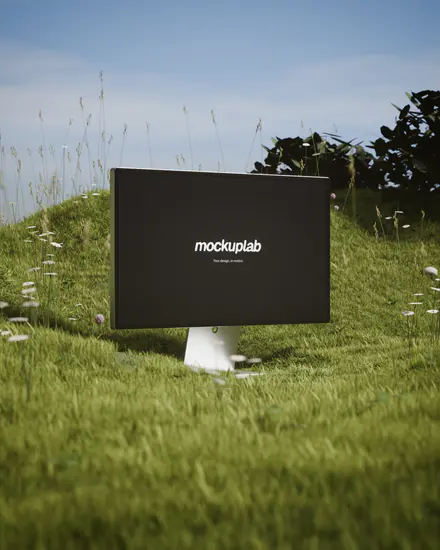
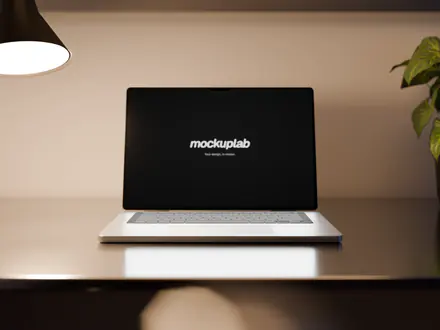
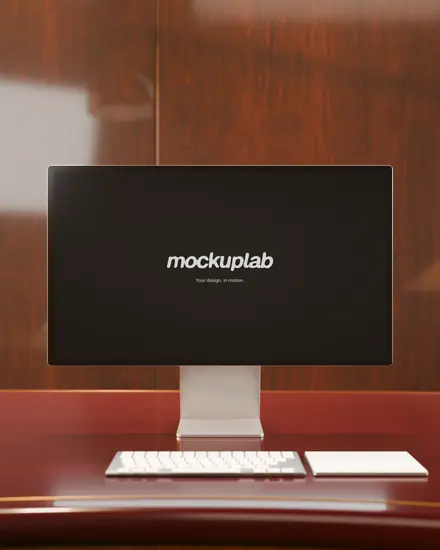
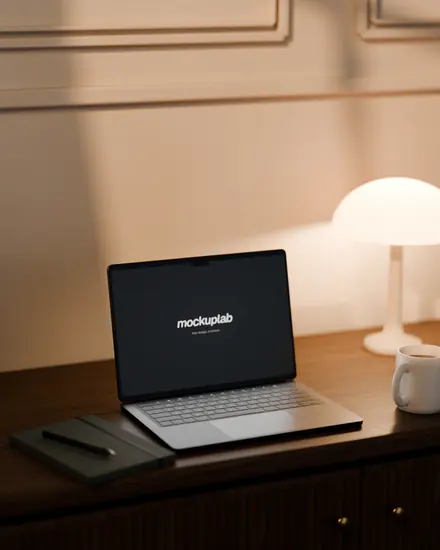
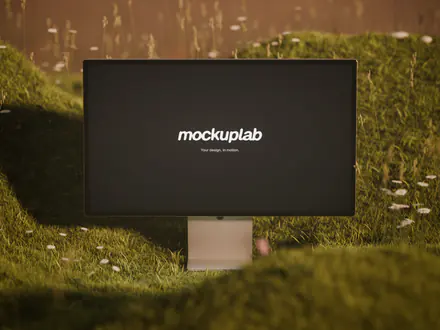
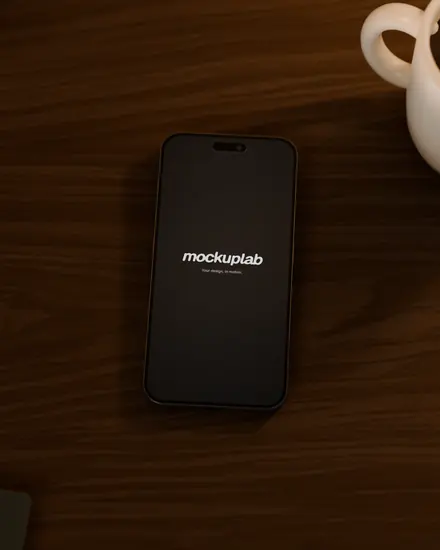
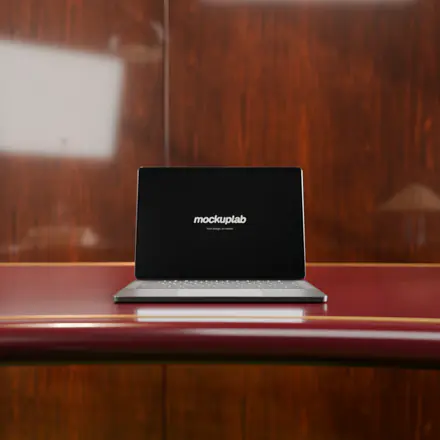
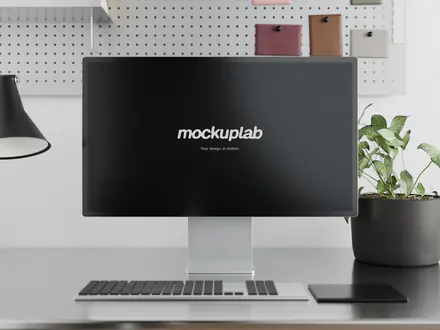
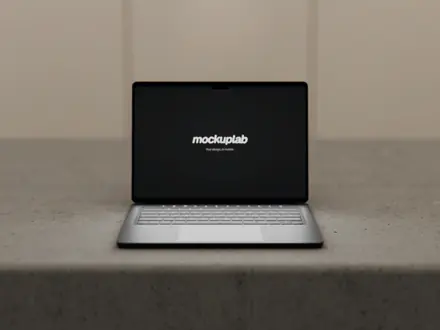
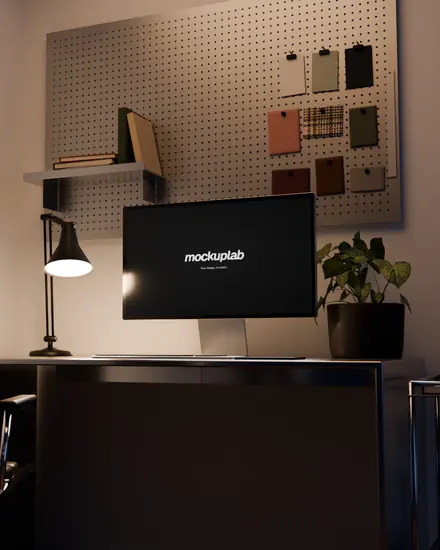
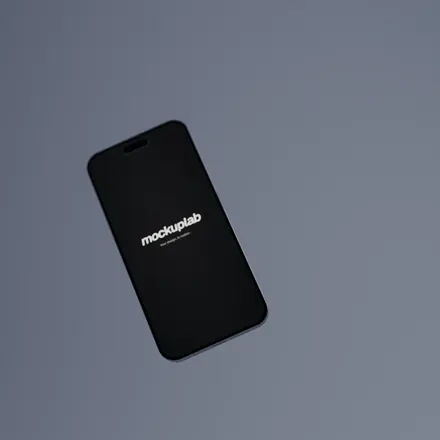
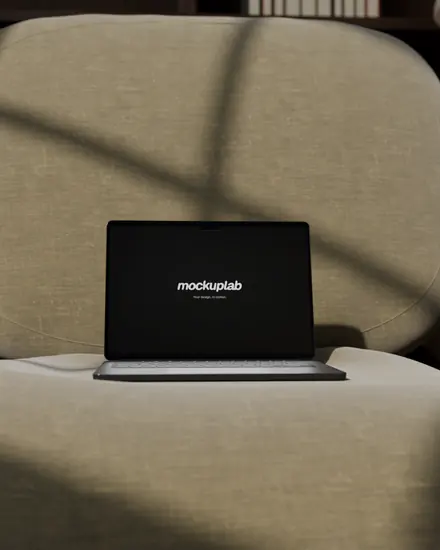
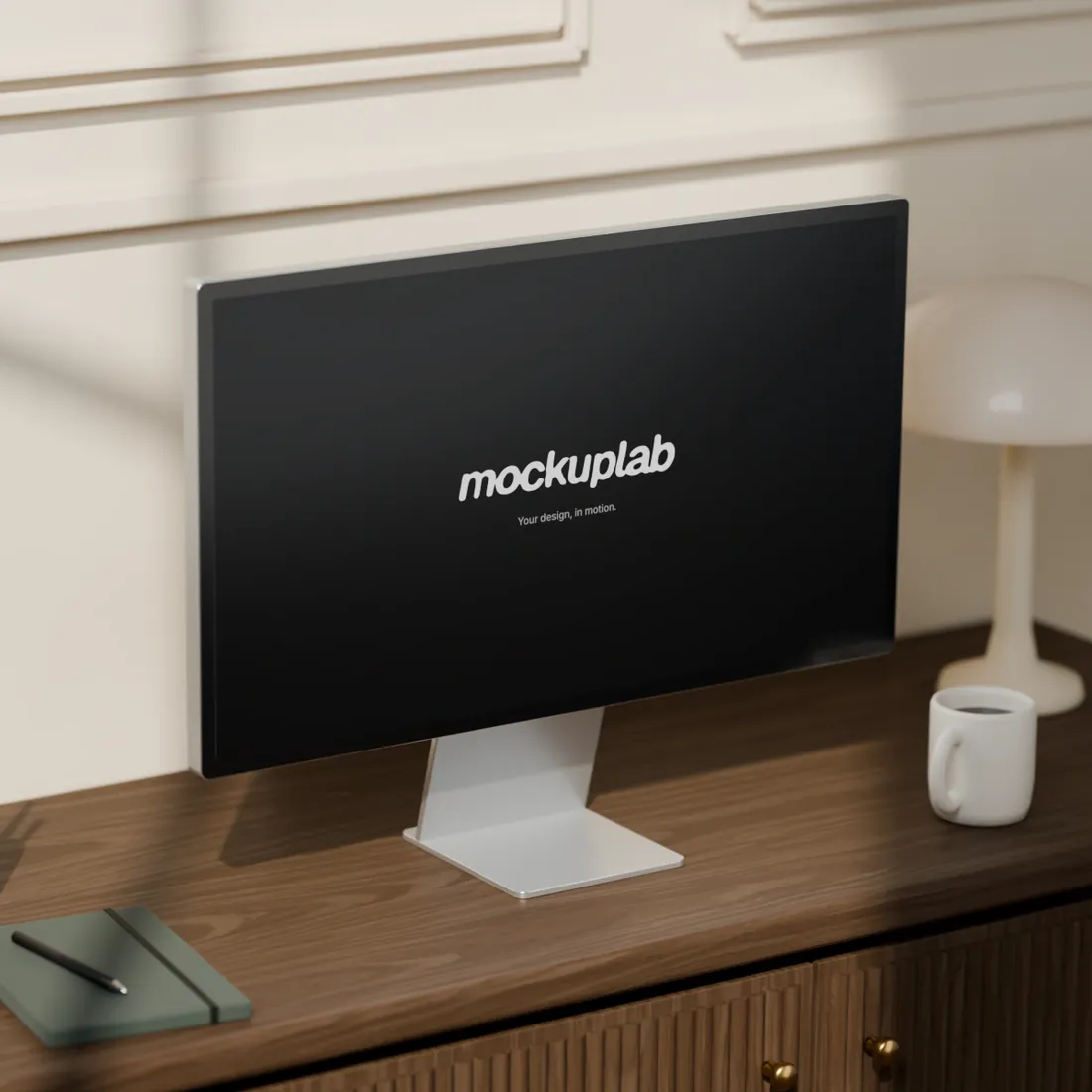
From the loft to the meadow, every set is modelled, furnished and lit in Blender, for the display, the laptop and the phone. Day, sunset or night: the light is rendered with the set, not laid on top.
Wood console 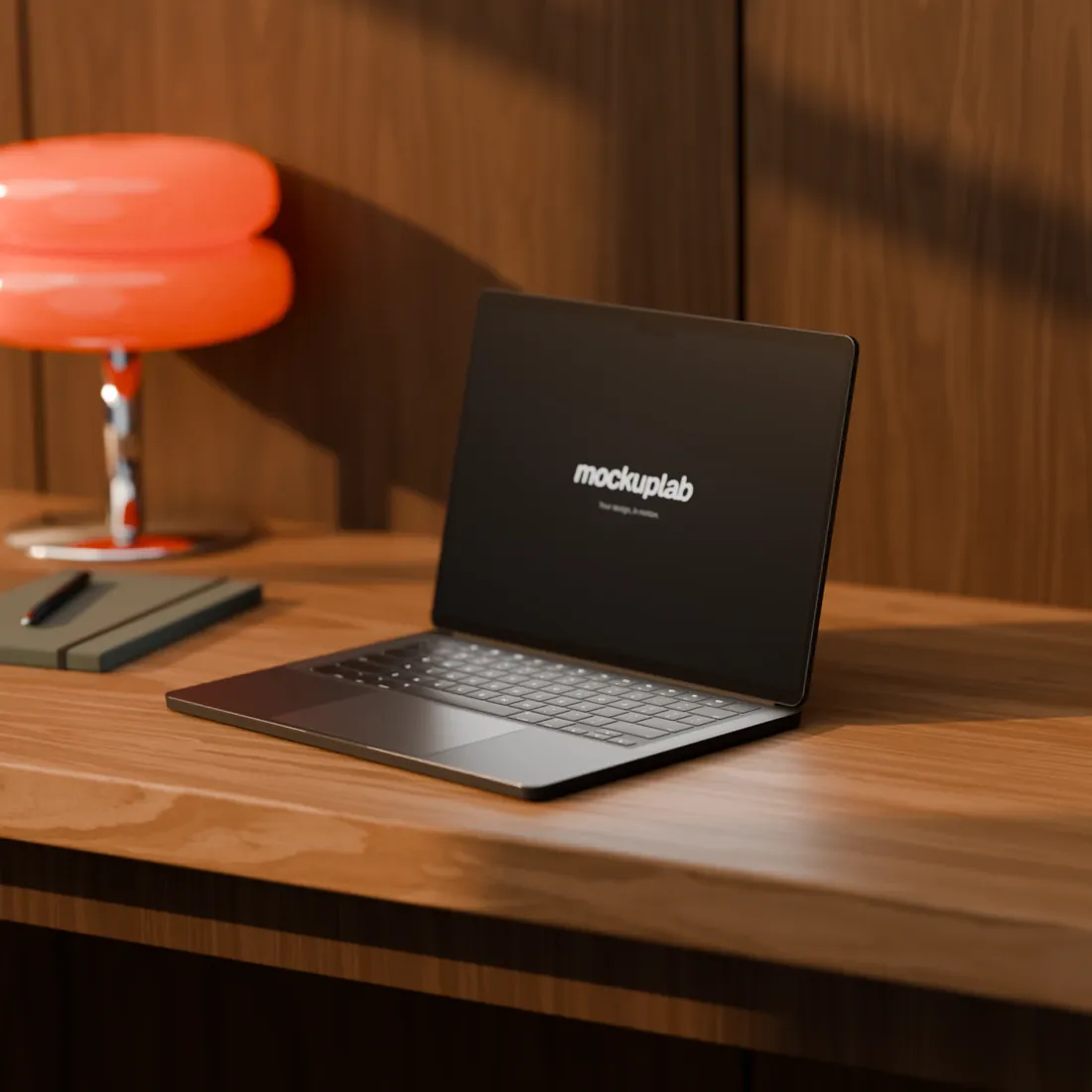
Study 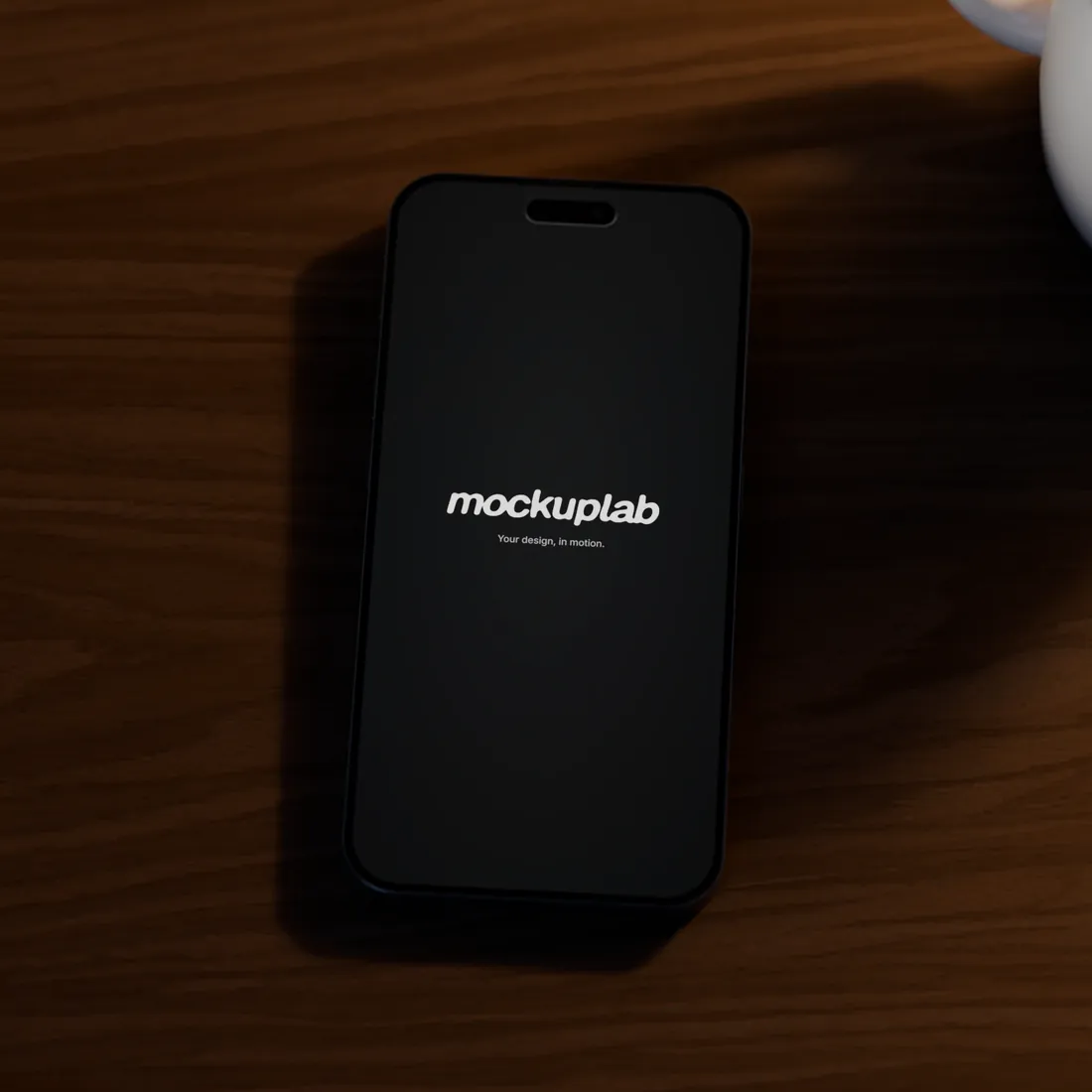
Wood console 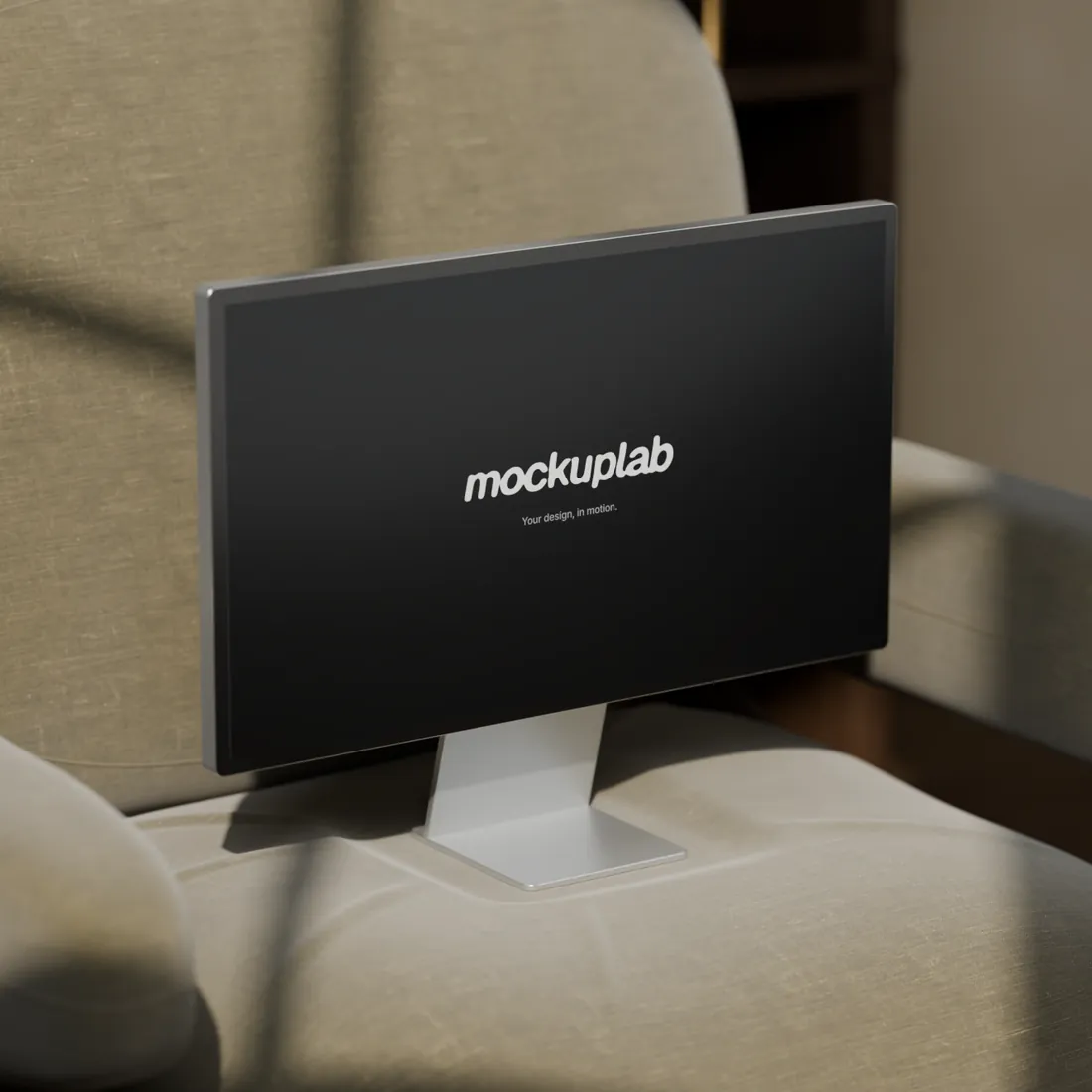
Soft lounge 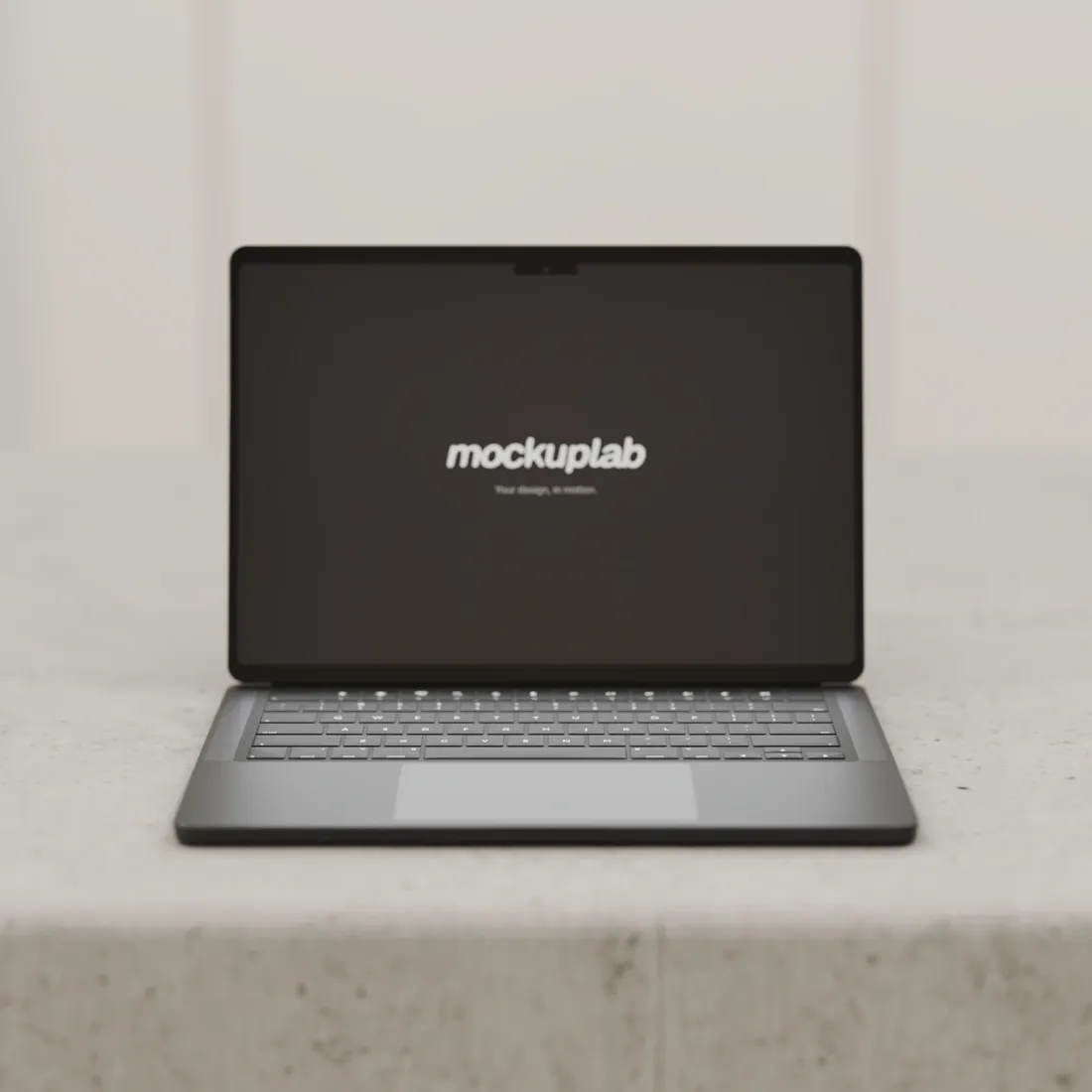
Loft 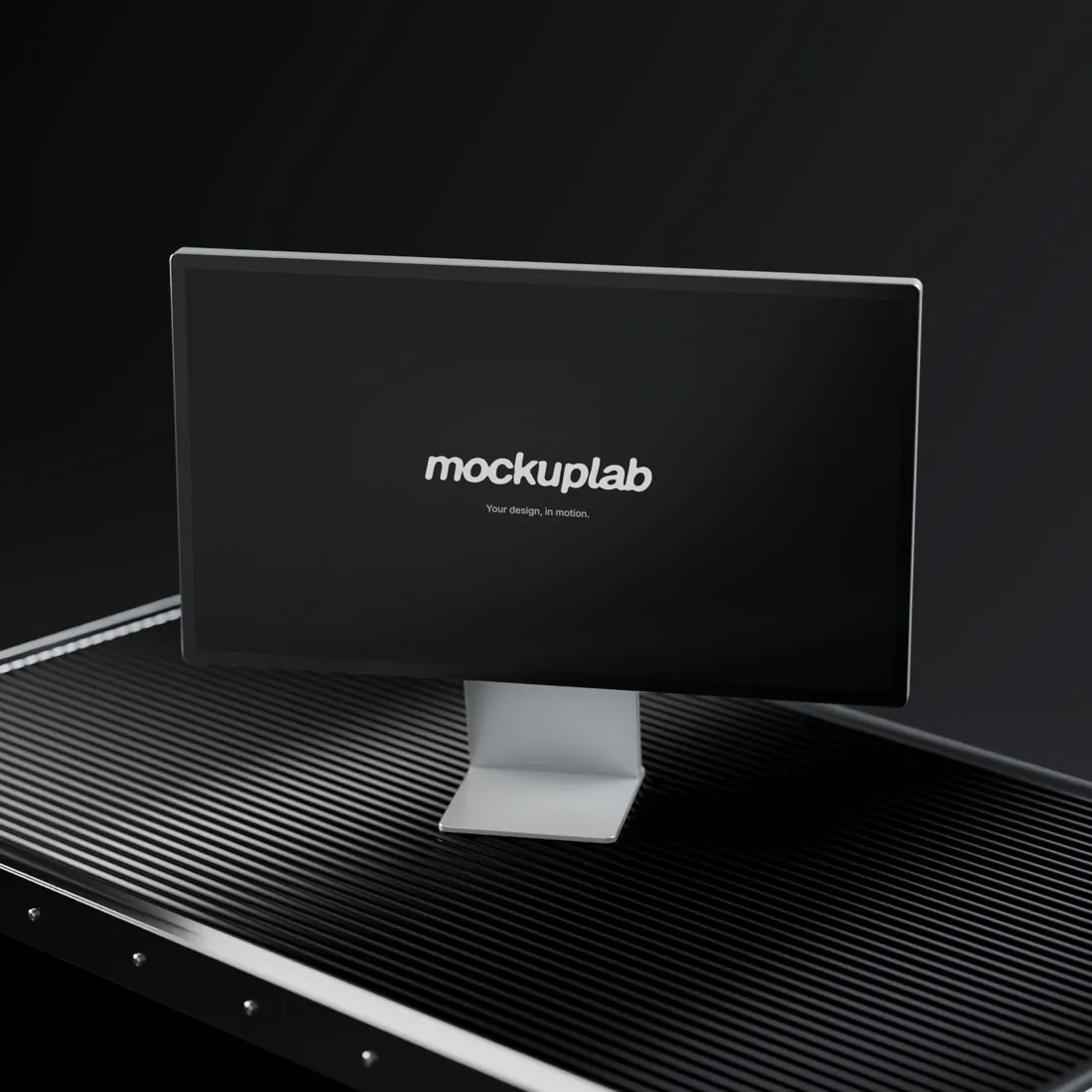
Noir studio 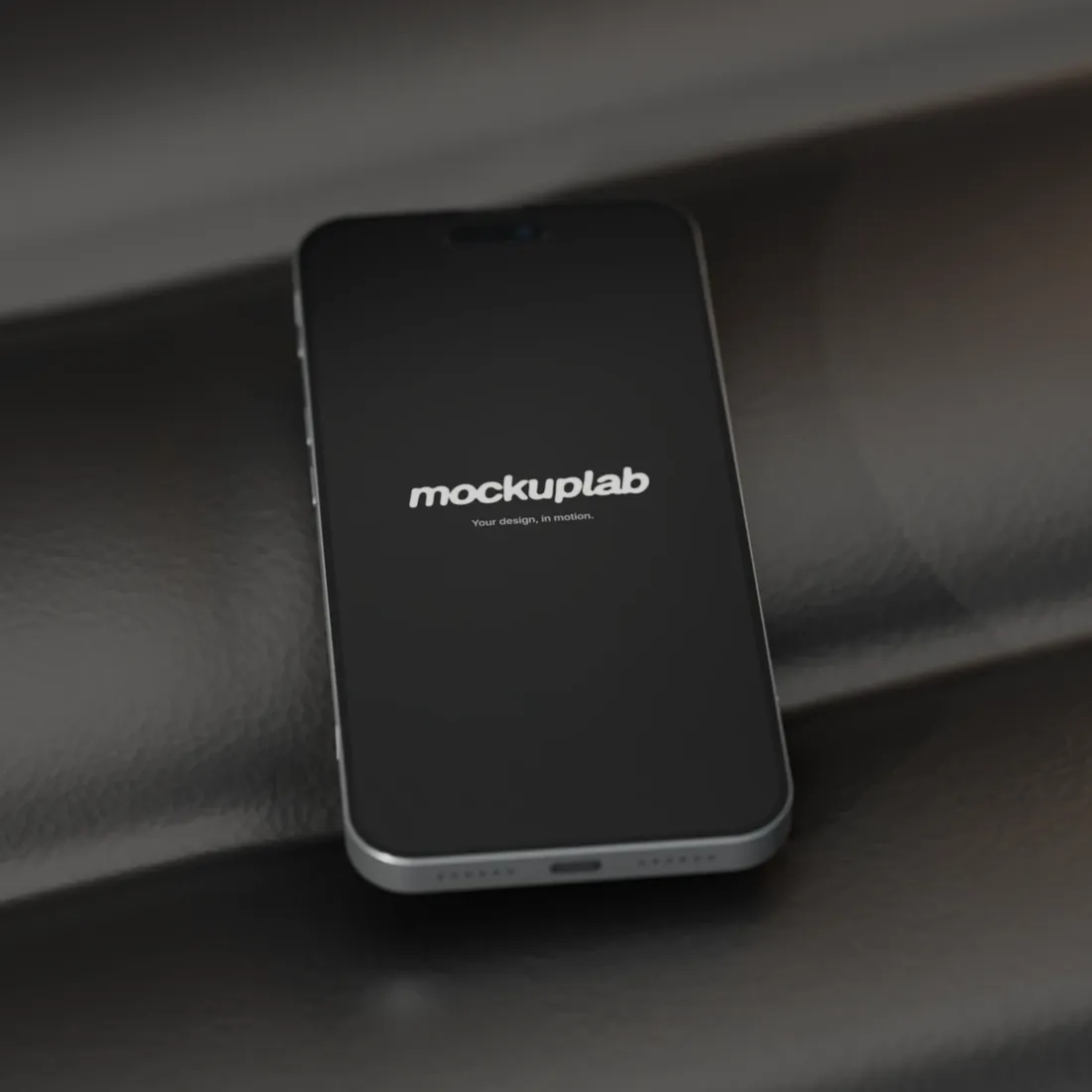
Leather lounge 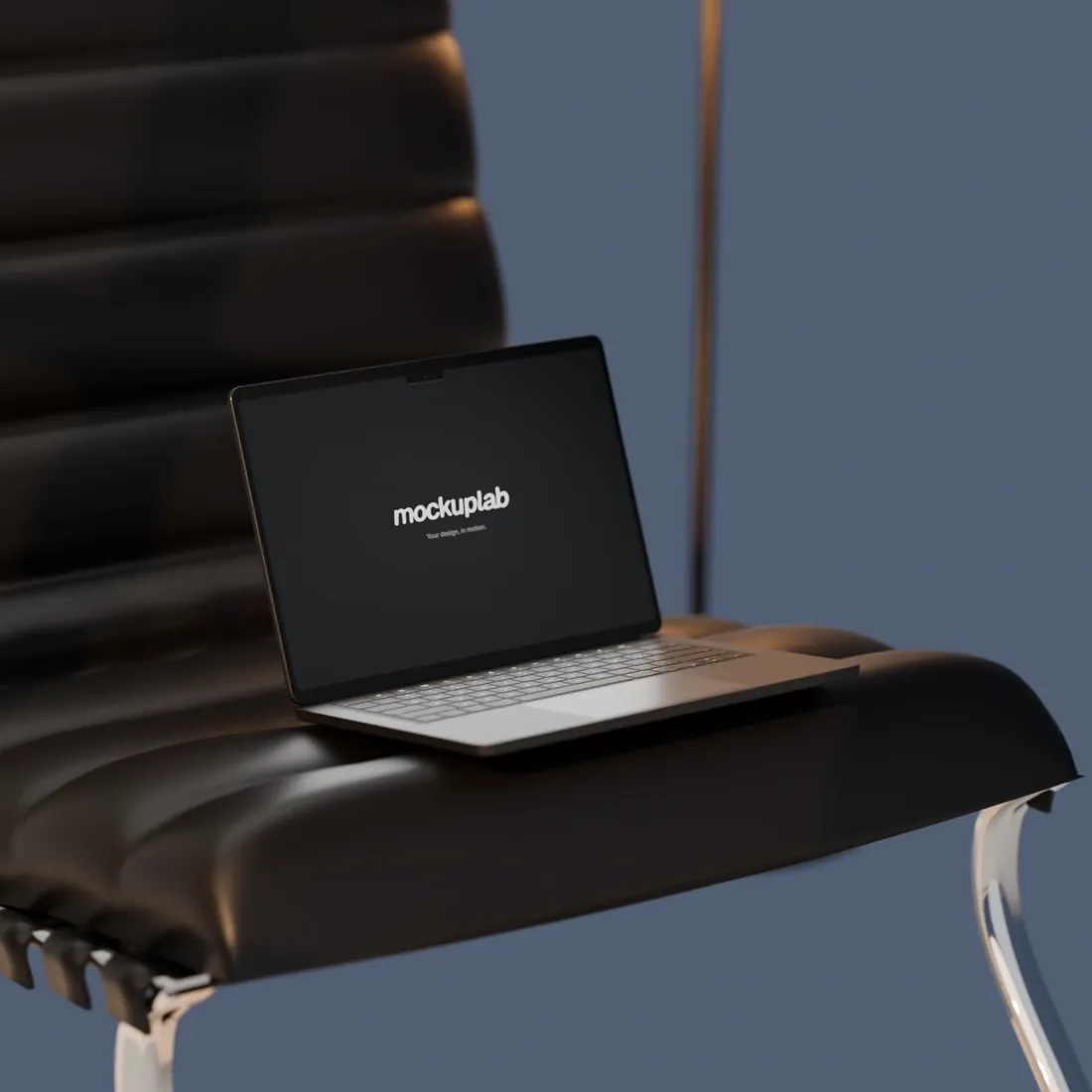
Leather lounge 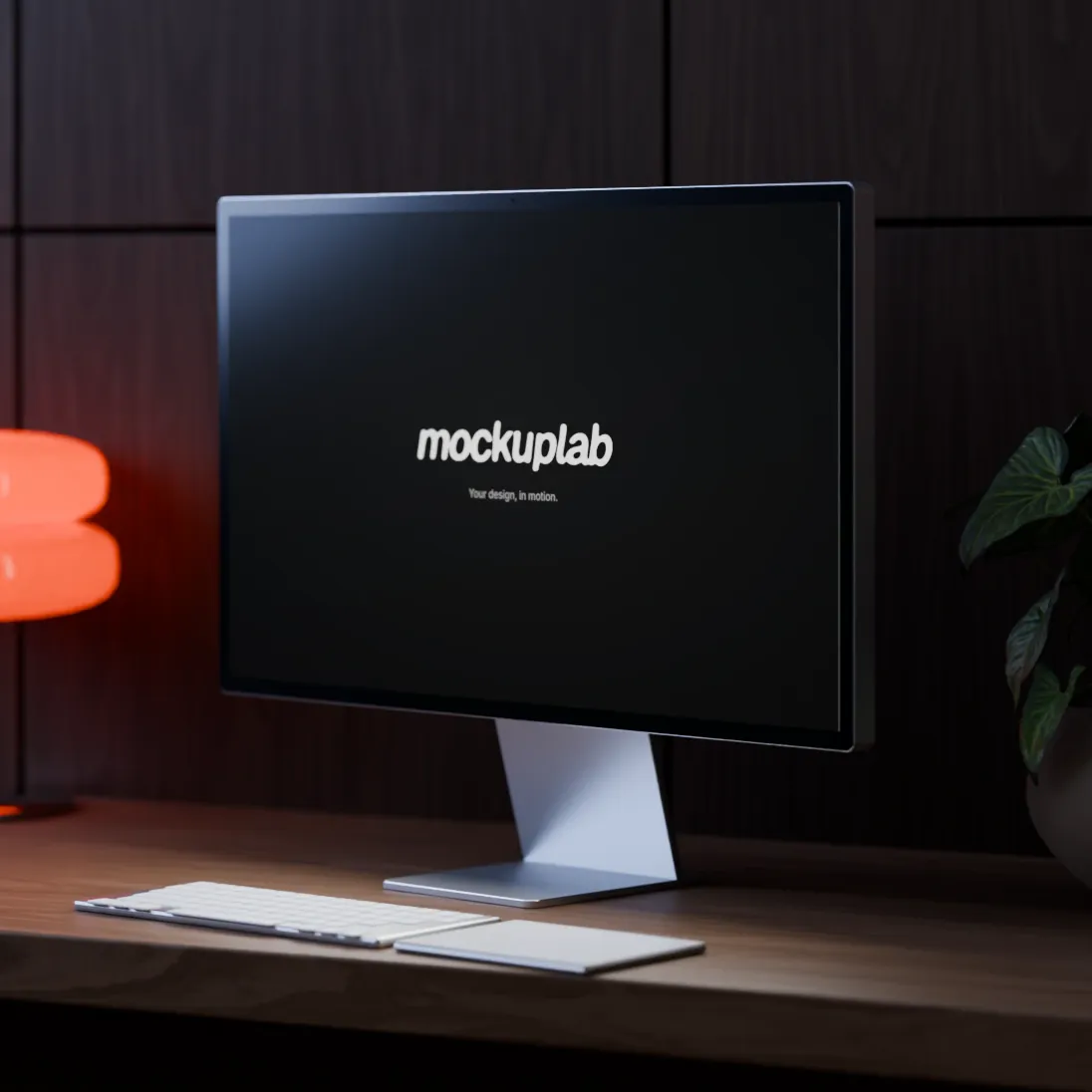
Study 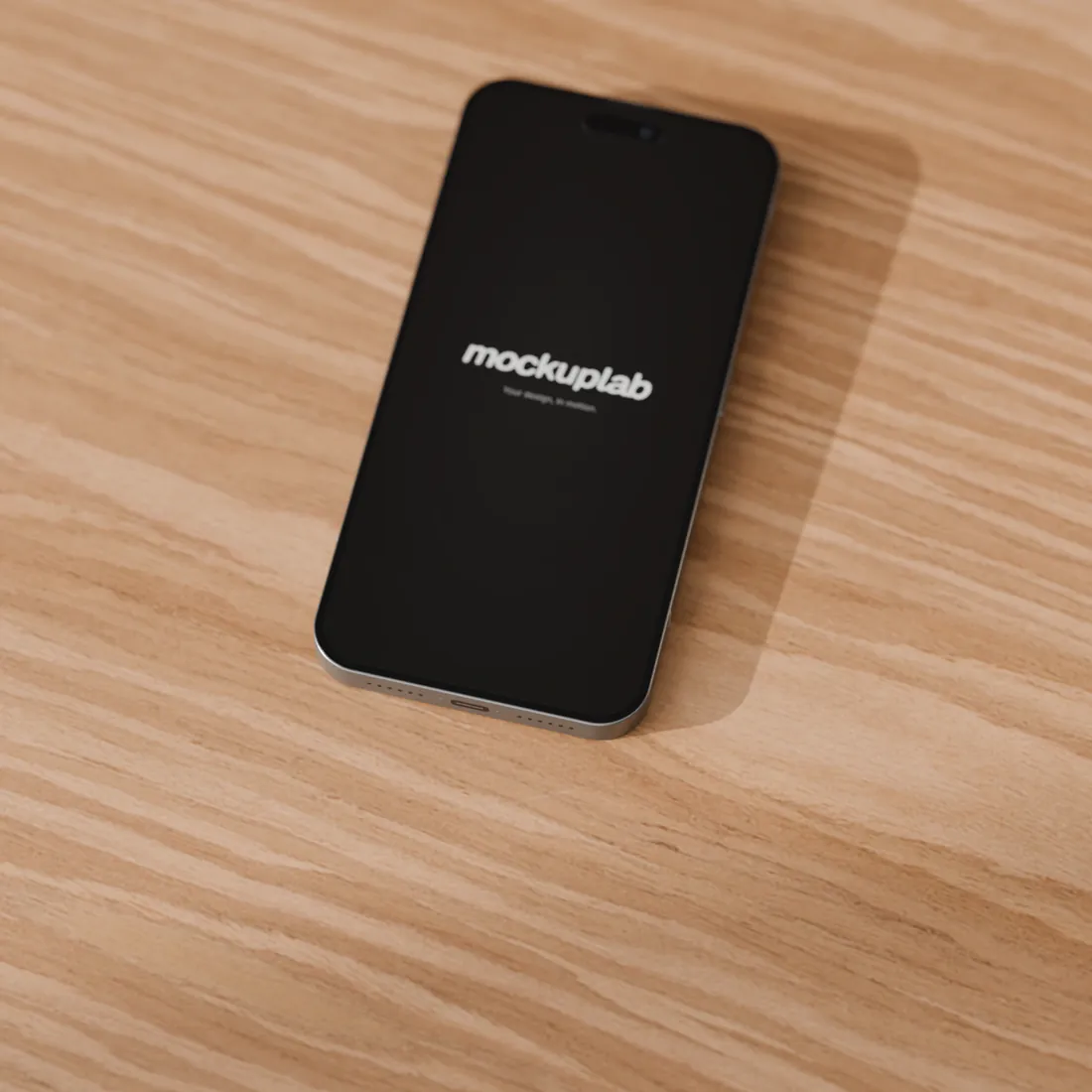
Study 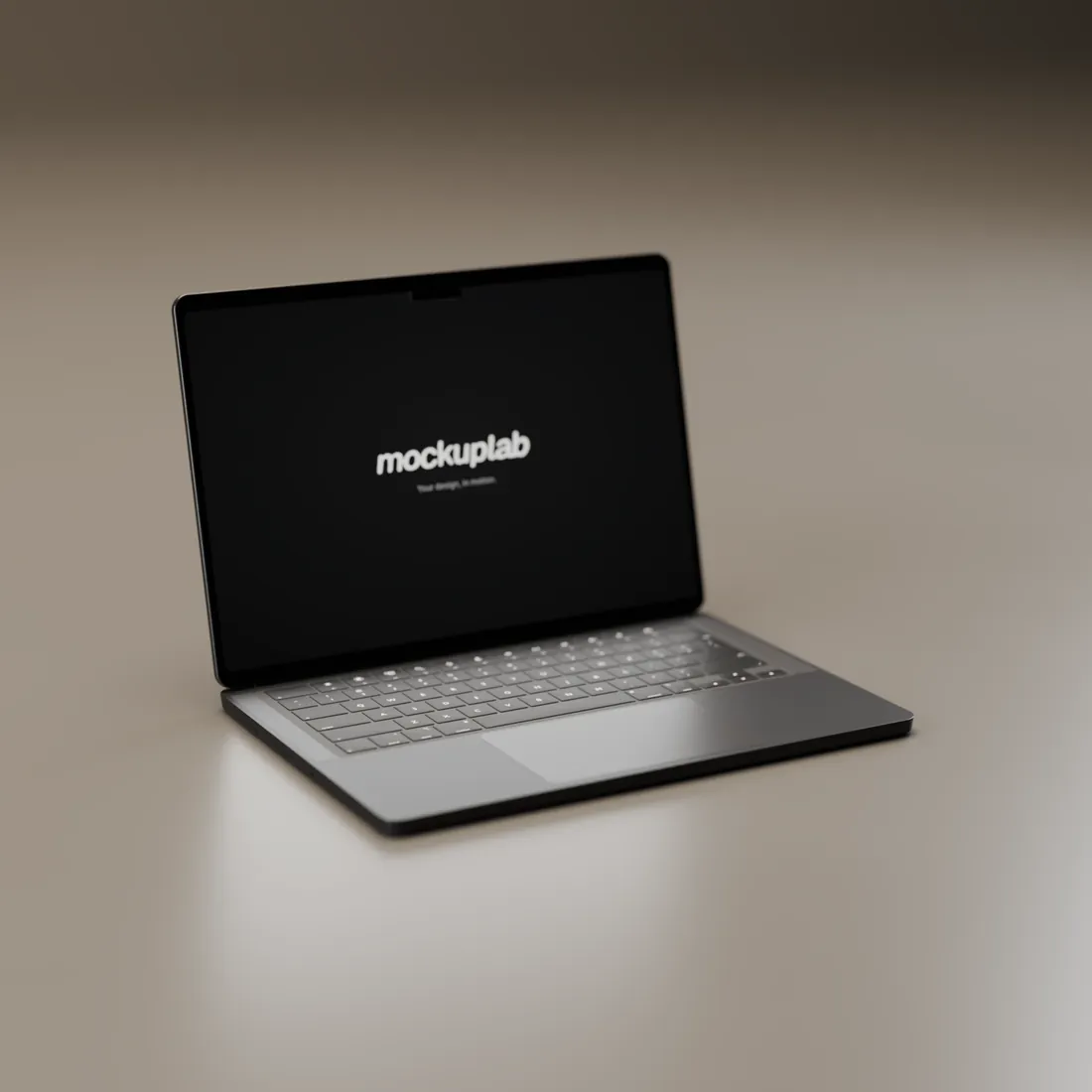
Empty room 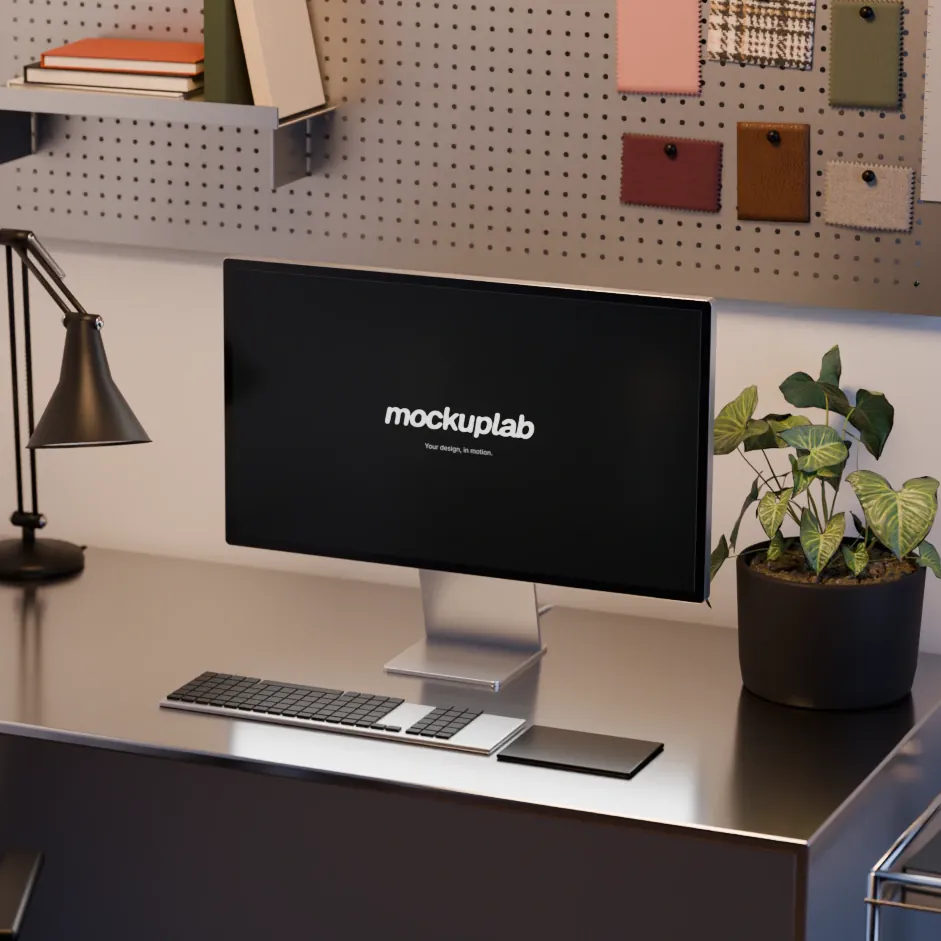
Steel desk 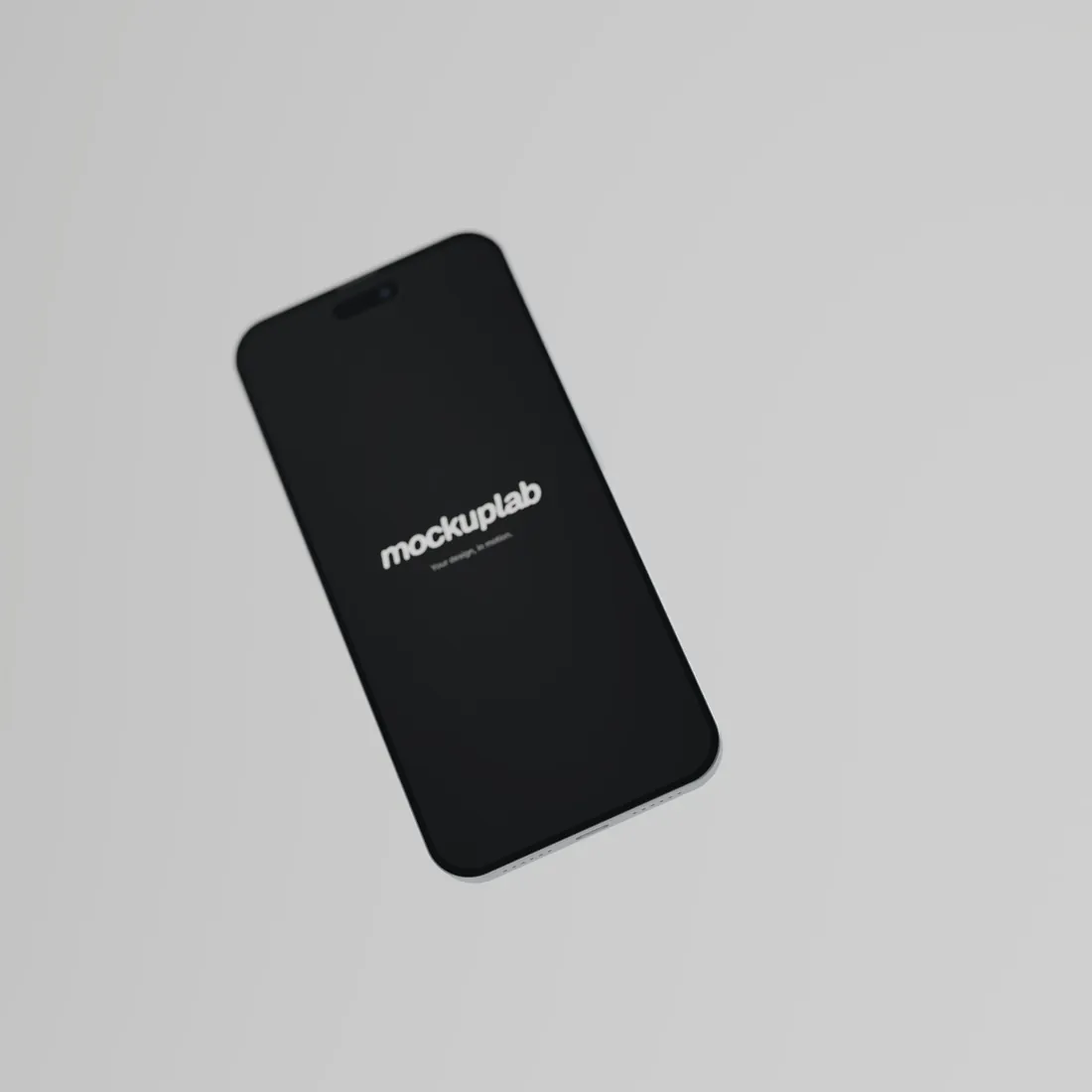
Levitation 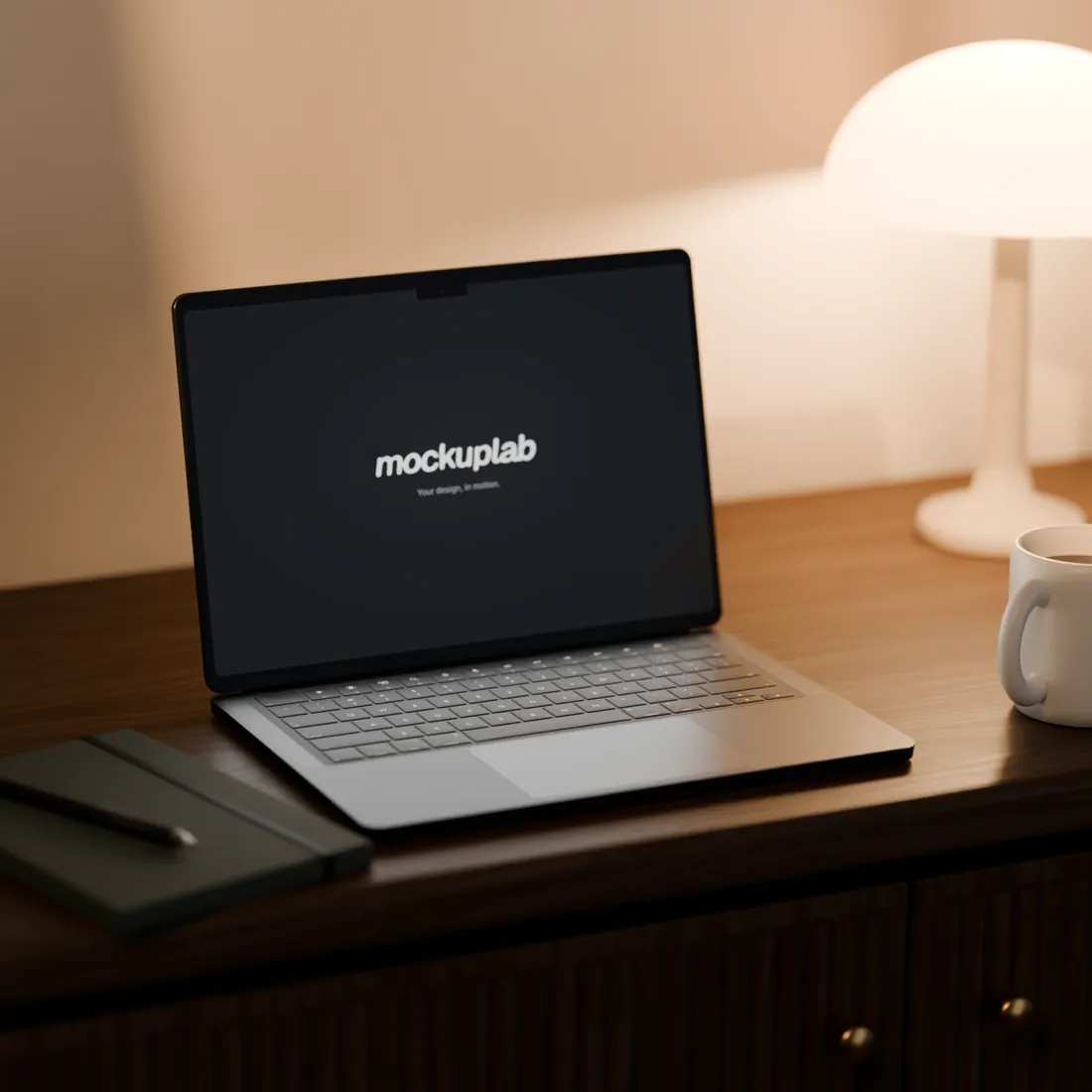
Wood console
Camera moves
The camera moves, your design follows.
- 01
Orbit
The camera circles slowly around the device.
- 02
Side pass
The camera glides from one end of the set to the other.
- 03
Low orbit
The same circle, skimming the surface.
- 04
Push in
The camera moves gently towards the screen.
- 05
Rise
The camera lifts and reveals the set.
- 06
Hover
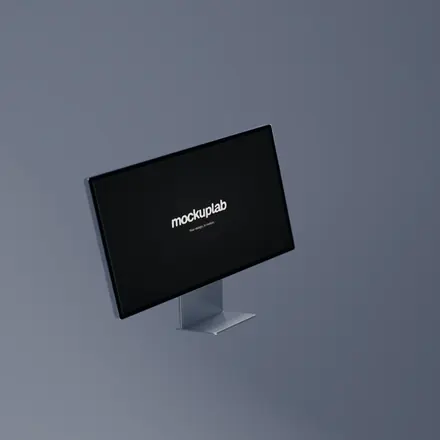
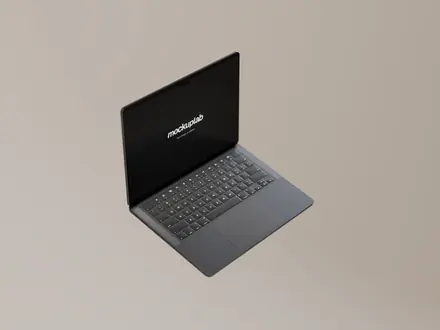
The device floats, weightless.
Features
Everything for a film. Nothing to install.
- 01
Pre-rendered photorealism
Light, reflections and shadows are computed in Blender ahead of time. Your browser composes, it does not render.
- 02
Camera moves
Animated shots already rendered, ready to trim and string together like rushes.
- 03
Continuous video
One video carries on from one scene to the next instead of starting over.
- 04
Trim and speed
Keep the right excerpt of every video, from 0.5× to 2×, looping or held at the end.
- 05
Long captures
A full page scrolls on screen, top to bottom, at the pace of the shot.
- 06
Sound
Music under the edit, in time with the pictures and kept in the export.
- 07
Five formats
16:9, 9:16, 1:1, 4:5 and 4:3, in 720p or 1080p.
- 08
Nothing goes online
Import, editing and export all happen in your browser. The project stays on your device.
In one sentence
Drop in a visual. It comes out in motion.
Questions
Frequently asked questions
Is it really free?
Yes. Mockuplab works with no account and no subscription, right in your browser.
Are my files sent anywhere?
No. Import, editing and export happen on your device. The project is kept in this browser, and you can save it to a file to pick it up elsewhere.
Which files can I import?
PNG, JPEG or WebP images and MP4, WebM or MOV videos, up to 50 MB. Each scene can show its own design.
What do I get when I export?
A 720p or 1080p video in the format you choose, in one piece or scene by scene, or a PNG still.
Do I need a powerful computer?
No: the 3D is already rendered, the browser only composes the pictures. Video export needs a recent browser; Chrome and Edge are the safest.
Does it work on a phone?
Yes, the editor adapts to a phone screen. For long edits, a computer is still more comfortable.
Your turn to set the scene.
Drop a design, pick a scene, press play.
Open the editorFree · no account · nothing to install